 ZhiYing
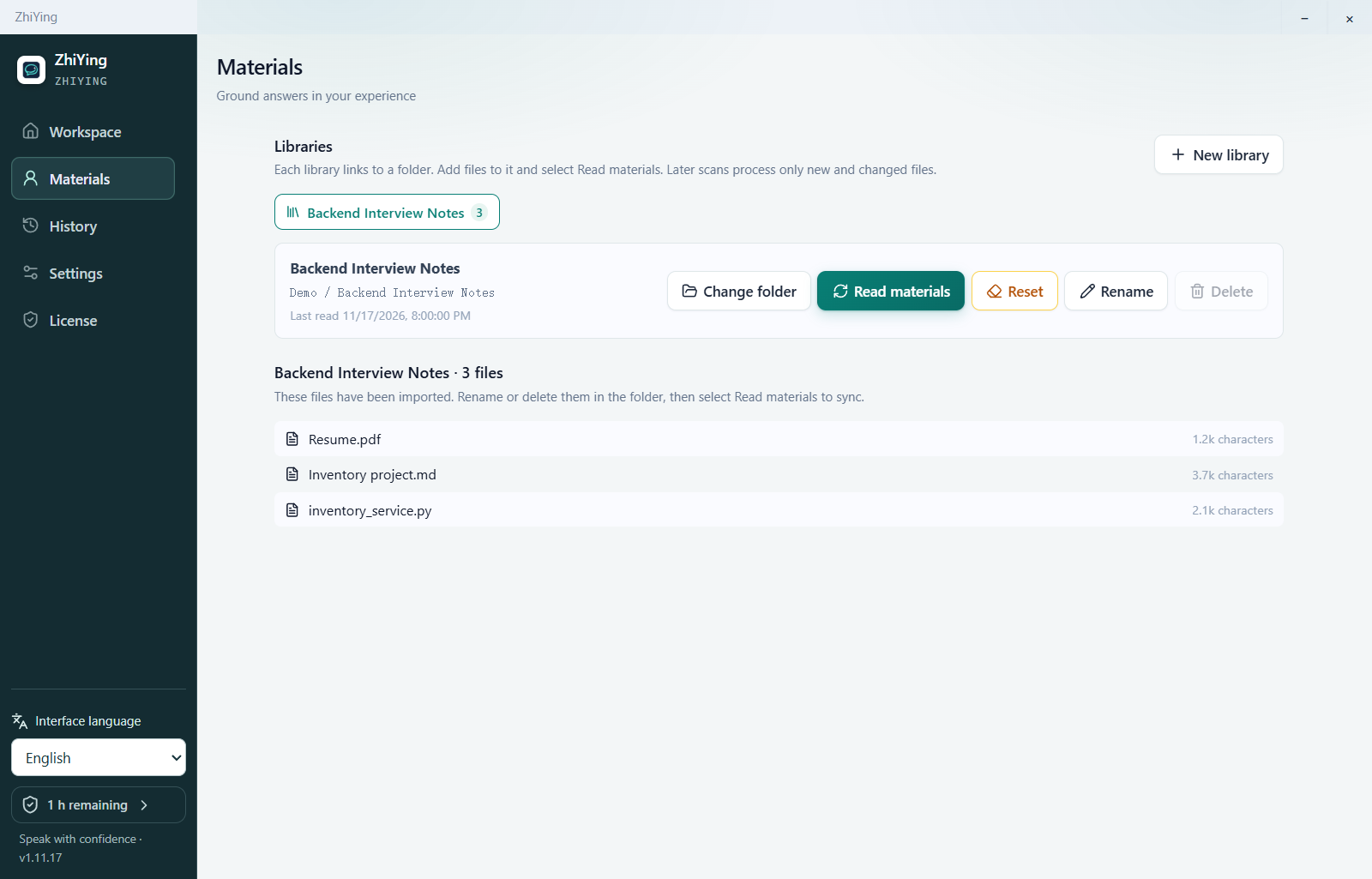
Add your materials
Bring your résumé, project notes, and code into one library.
An AI desktop assistant for interview practice and technical communication.
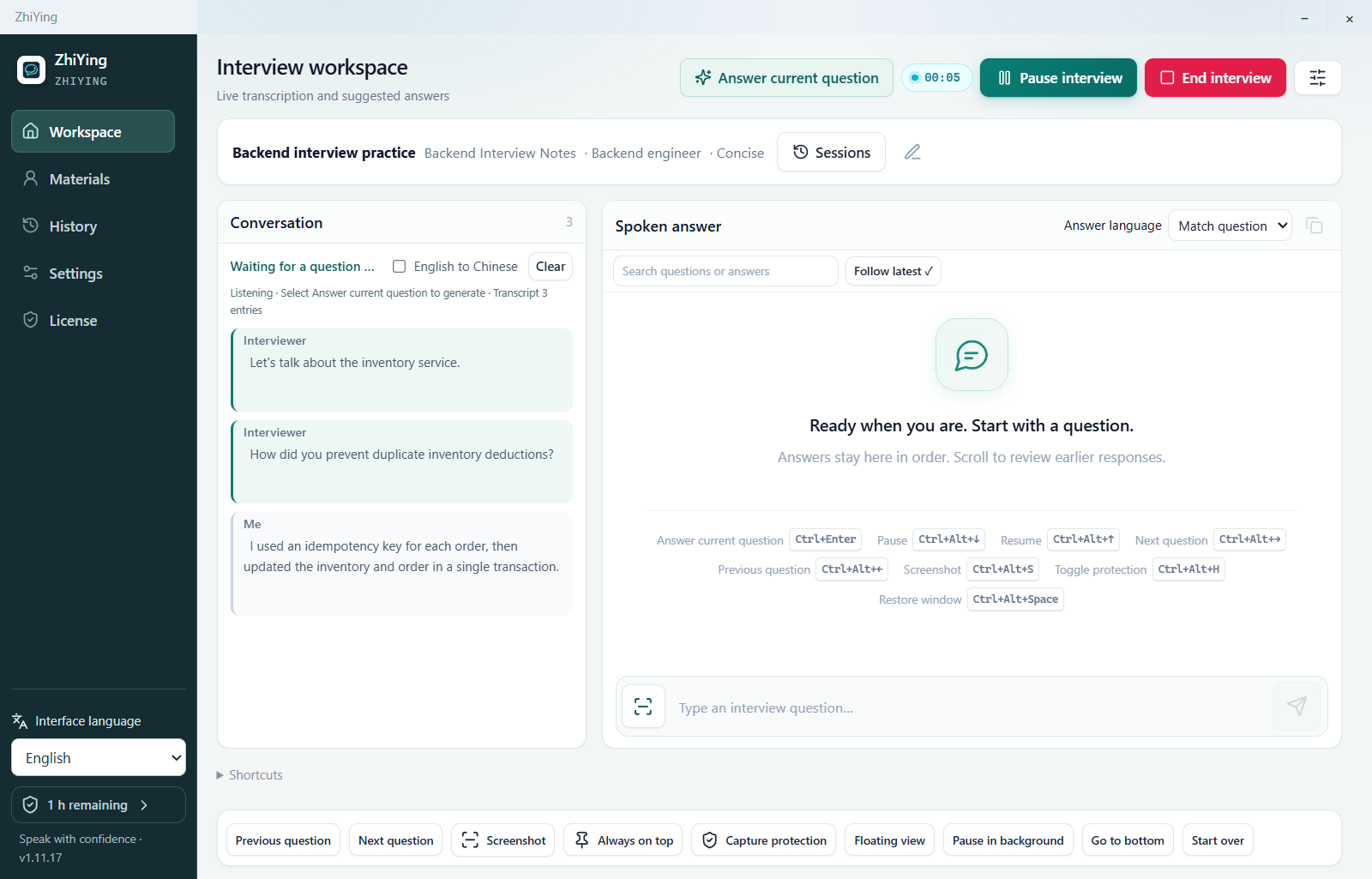
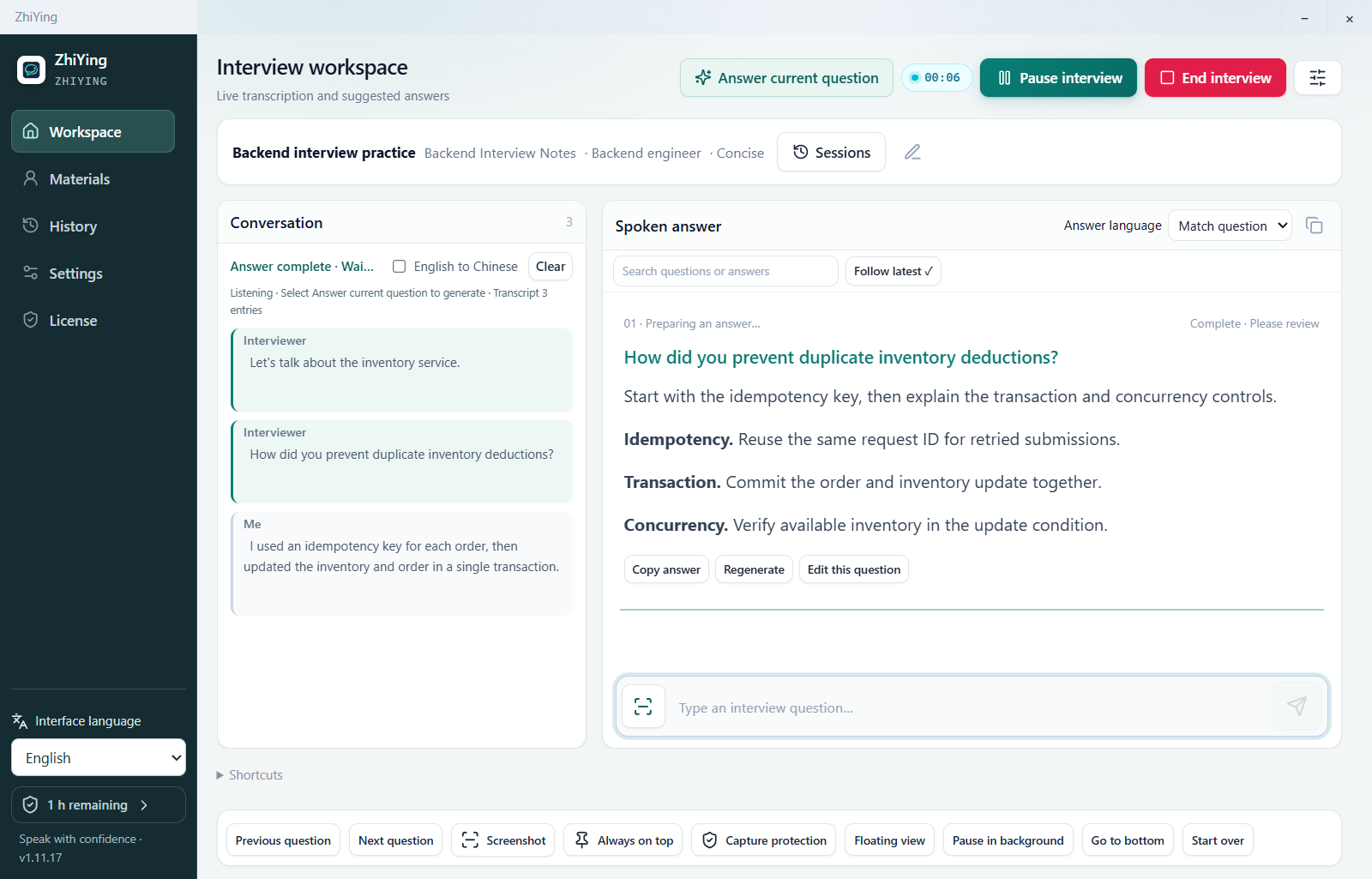
Follow the conversation, organize an answer, and draw on your own experience.
Windows · macOS
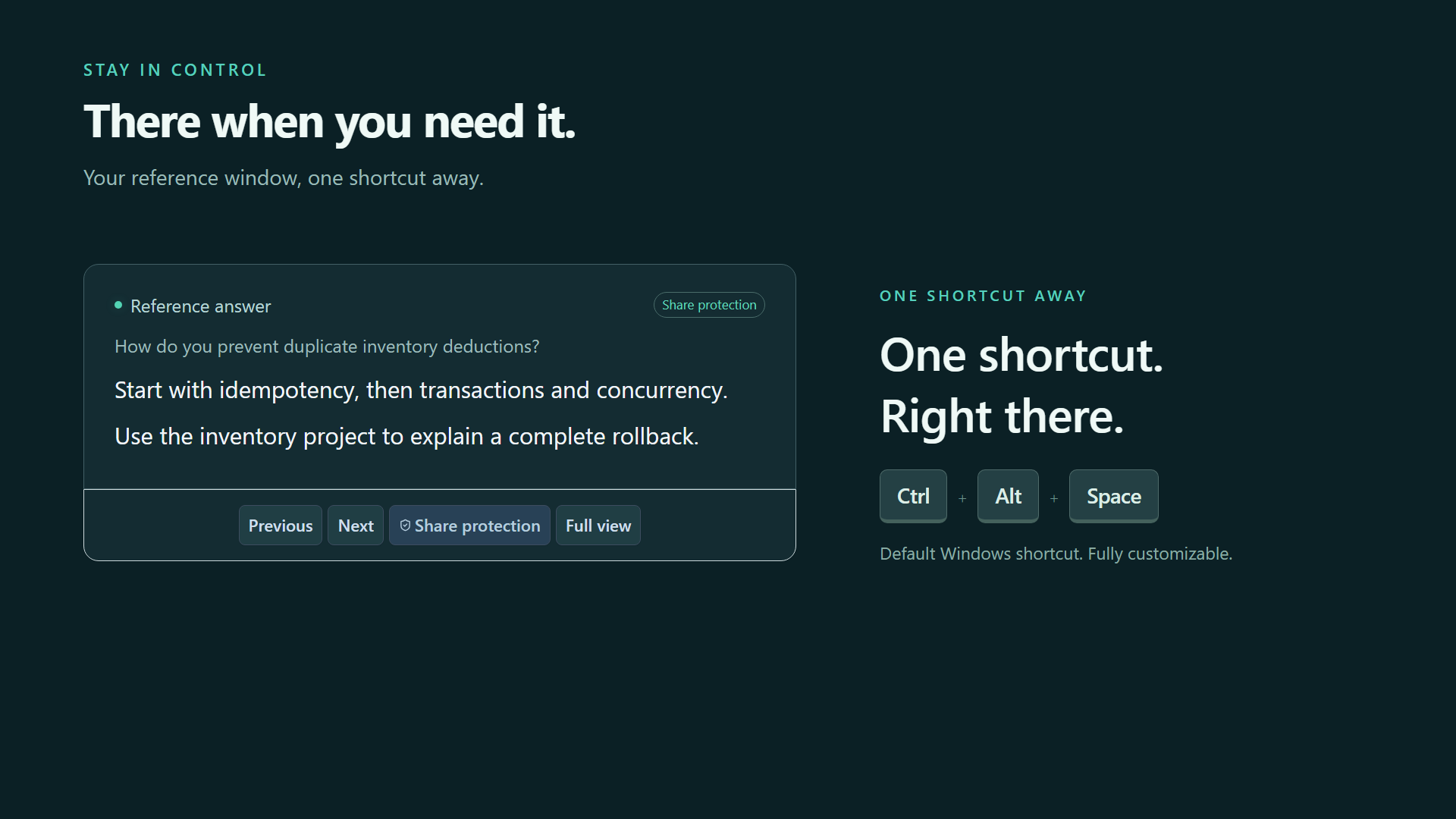
In the Windows app, use the tray menu to hide or show the window. Ctrl + Alt + Space restores it by default.
Bring your résumé, project notes, and code into one library.
Transcribe system audio and your microphone separately.
Build a suggested response around the question and your experience.
Try technical follow-ups and revisit how you explained your work.
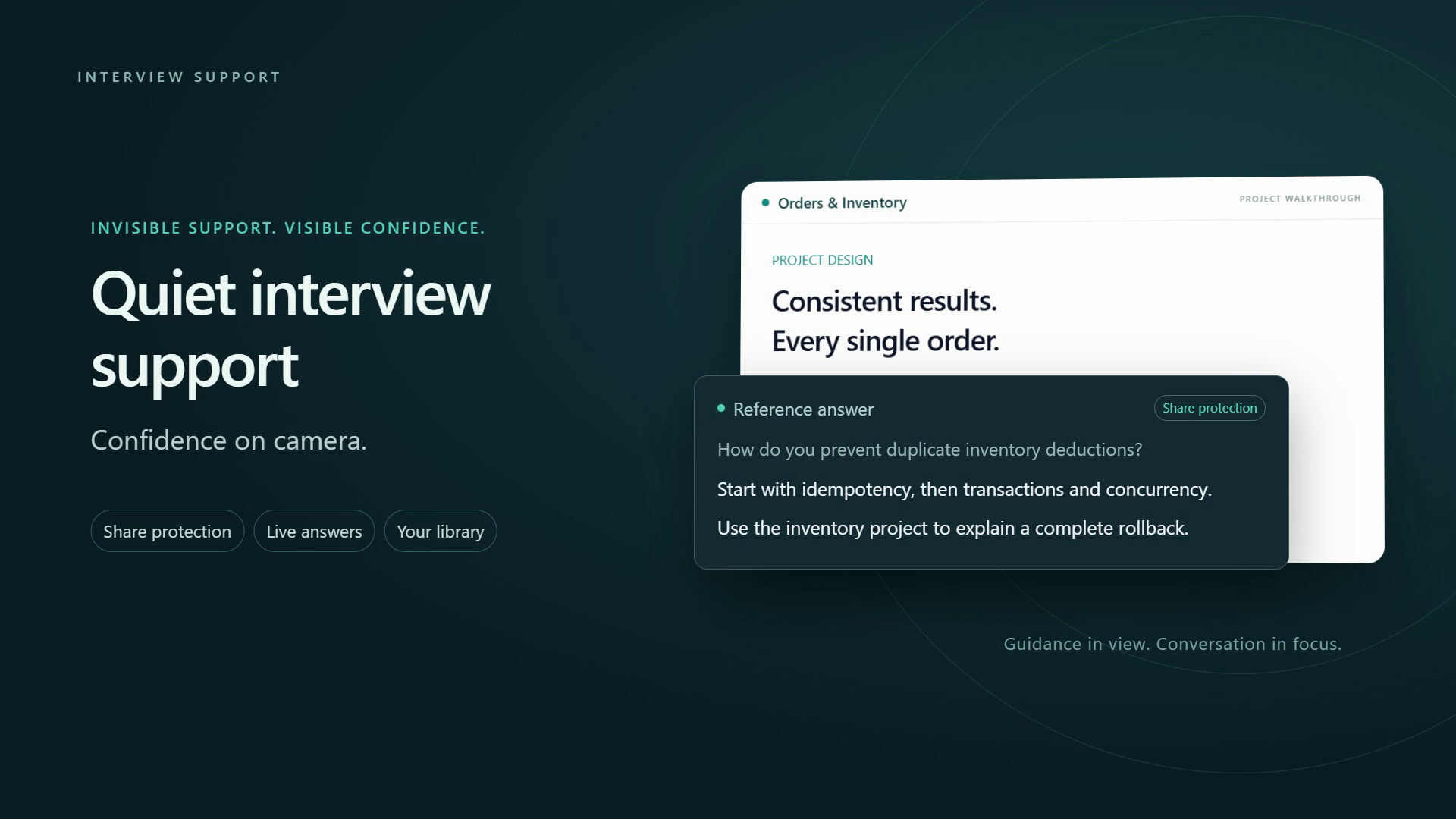
The YouTube player loads when you press play.
Ctrl+Alt+Space
Switch between the floating view and the full workspace, or move between questions. The Windows shortcut shown is customizable.
Prepare for interviews, organize project stories, and practice explaining technical decisions.
Email us about license-code distribution, purchasing, and partnership options.
Discuss distribution